The ESP32 microcontroller, developed by Espressif Systems, is an exciting platform to learn about embedded systems and IoT (Internet of Things) technologies. At its core, the ESP32 is a small but powerful computer that can be programmed to perform a wide range of tasks, from controlling lights in a smart home to monitoring environmental conditions outdoors. Featuring built-in Wi-Fi and Bluetooth connectivity, as well as a dual-core processor and various input/output pins, the ESP32 can be adapted to suit many different projects and applications. This makes it an ideal tool for those who want to gain hands-on experience with real-world electronics and programming.
Throughout this guide, we'll explore some projects that you can build using the ESP32 microcontroller. These articles will cover a variety of topics. Whether you're a beginner who's just getting started with electronics or an experienced hobbyist looking for new challenges, the ESP32 offers something for everyone. Let’s begin…
A Simple ESP32 LED Webserver
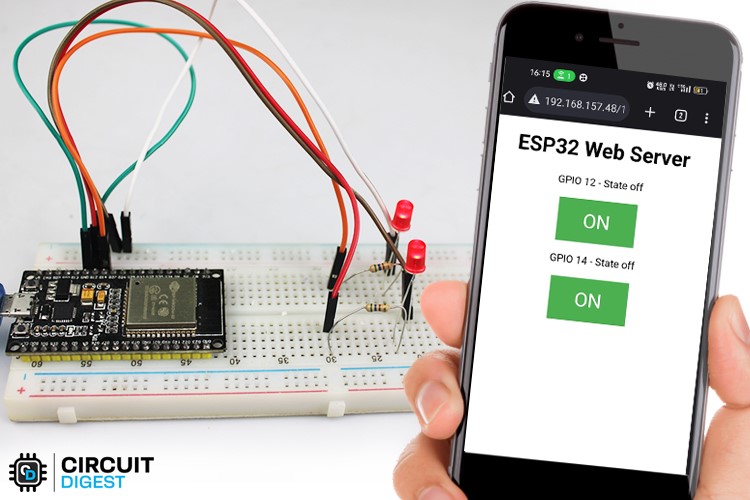
ESP32 LED web server from scratch - This project involves creating a web server on the ESP32 microcontroller, serving a web page to client devices over Wi-Fi. The page includes controls to toggle the LED lights on or off. Follow step-by-step instructions to set up the ESP32, connect LEDs, and create a web interface for control.
Designing a Smart Watch Using ESP32
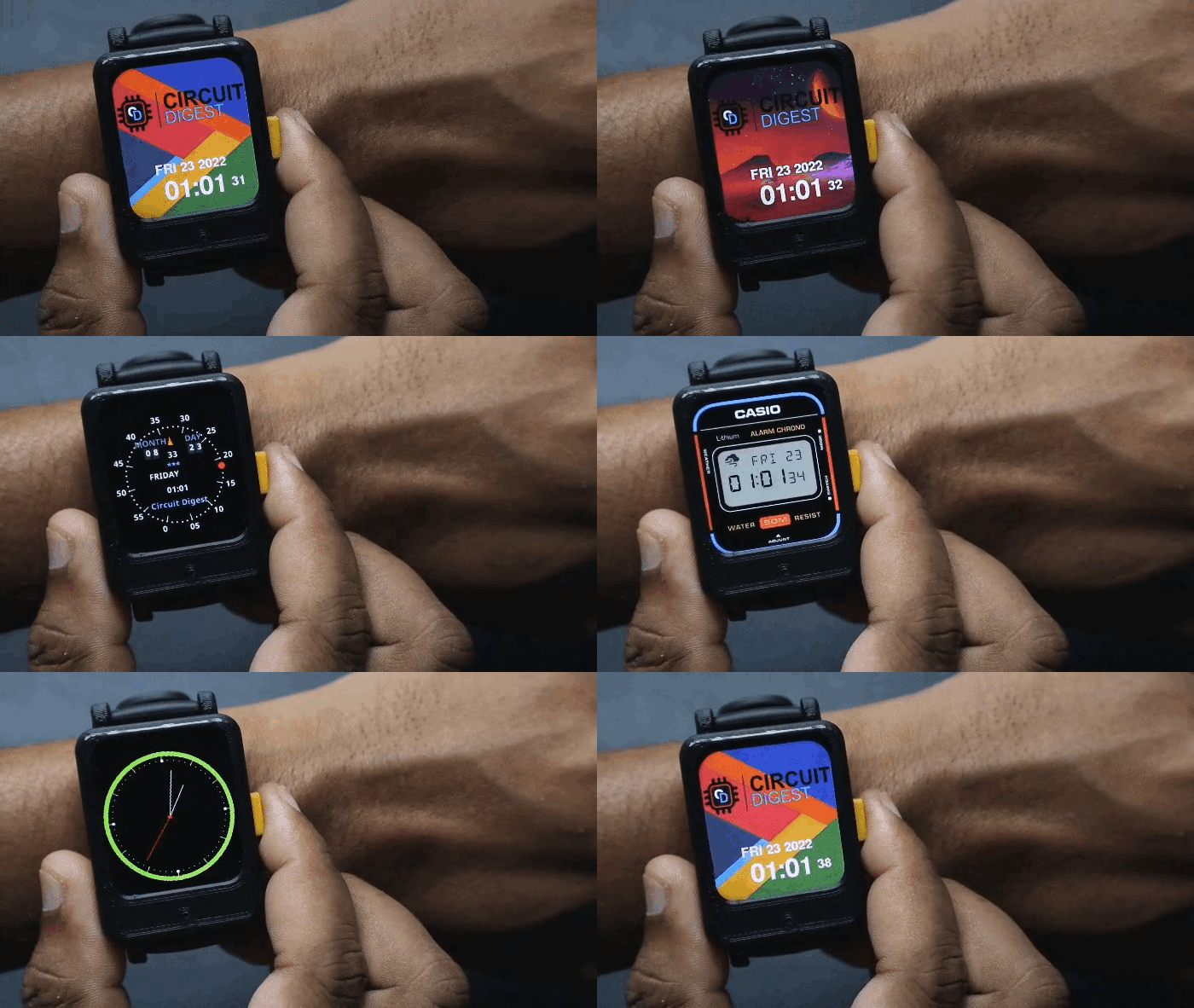
Learn to build a smartwatch with the ESP32 microcontroller. Follow steps to assemble hardware, set up software, and customize features. Use ESP32's connectivity and sensors for functions like data tracking. With basic components like microcontrollers, sensors, and displays, create a personalized device. Experiment with Arduino coding for unique features such as button inputs and sensor data processing.
Power Consumption Monitoring Device
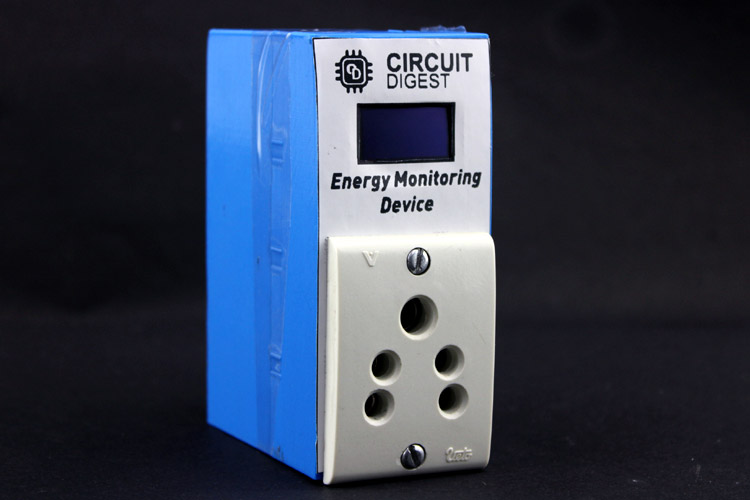
Create a simple power consumption monitoring device using an ESP32 and commonly available sensors. By detecting voltage and current draw, this DIY project allows you to monitor the energy consumption of electrical appliances in real-time. The ESP32 processes data from the sensors and displays energy consumption on the OLED display.
Smart Wi-Fi Video Doorbell using ESP32-CAM
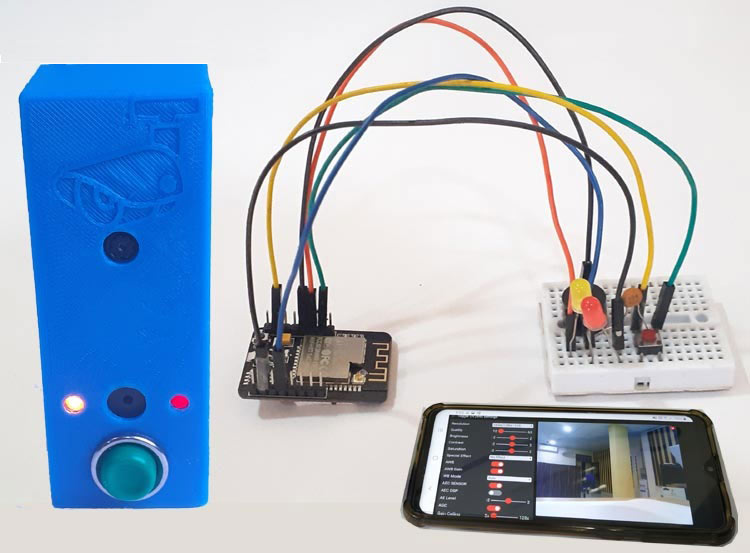
To build a Smart Wi-Fi Doorbell using an ESP32-CAM module, which allows for remote monitoring and interaction with visitors. Utilizes IoT technology to perform actions such as playing a designated song on a smartphone and sending a text message containing a link to a live video stream whenever the doorbell button is pressed. To assemble the doorbell, you'll need components such as the ESP32-CAM module, an FTDI programming board, a 220V AC to 5V DC converter, a buzzer, a push button, and LEDs.
Full Tutorial: DIY Smart Wi-Fi Video Doorbell using ESP32 and Camera (circuitdigest.com)
Heart Rate Monitor using ESP32
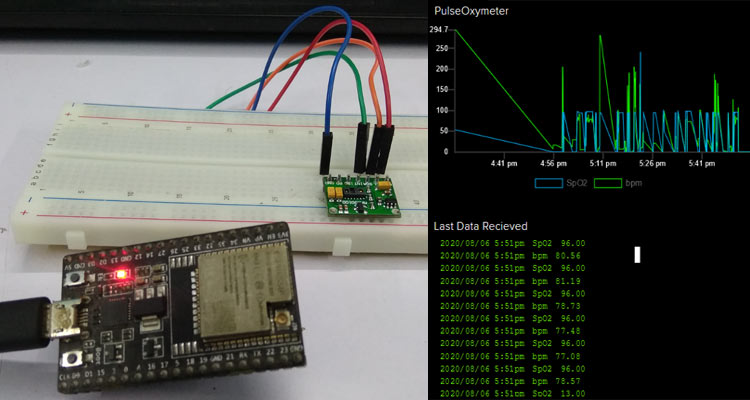
It's important to monitor the pulse rate of patients, in this project we utilize a MAX30100 Pulse oximeter and an ESP32 microcontroller to create a Wi-Fi-enabled pulse oximeter. The device tracks blood oxygen levels and sends the data over the internet.
Full Tutorial: IoT Based Heart Rate Monitor using MAX30100 Pulse Oximeter and ESP32 (circuitdigest.com)
Security Camera using ESP32
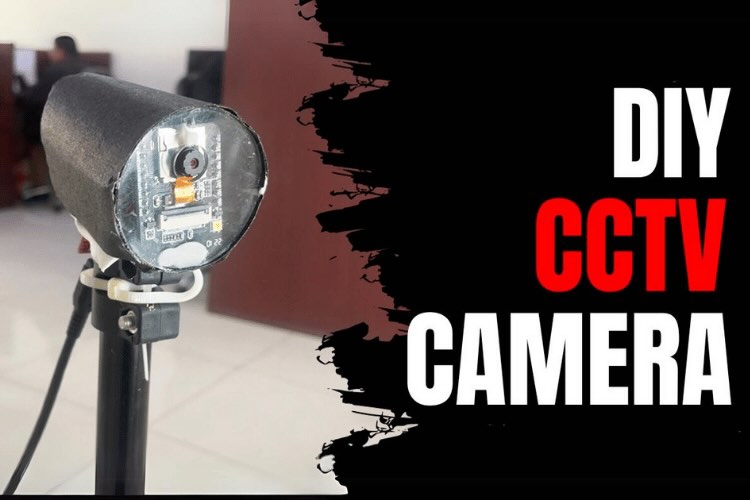
This tutorial guides users through constructing a CCTV Security Camera using an ESP32 camera module, offering detailed steps from hardware setup to remote access configuration. The required components include an ESP32 CAM, FTDI programmer, jumper wires, and acrylic cut body parts.
Full Tutorial: How to build your own CCTV Security System: Step-by-Step DIY Guide (circuitdigest.com)


